

URL
Prompt
This is what you want in the randomly generated AI image.Negative Prompt
This parameter allows you to exclude elements that you do not want in your AI generated image.Seed
Seed for random generation. Default is -1, which means random.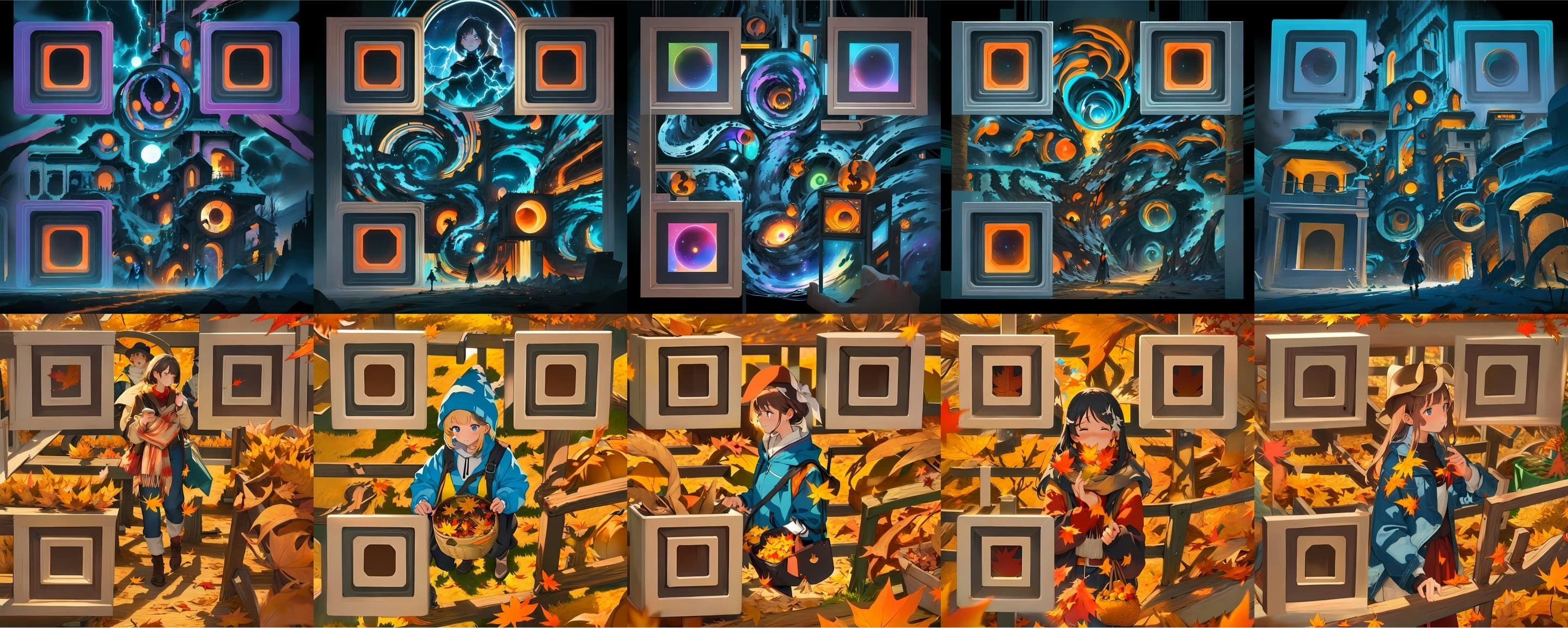
x: seed / y: prompt
Control Strength
The power of QR code control over the generated image. Lower values make it harder to recognize, higher values result in poorer quality.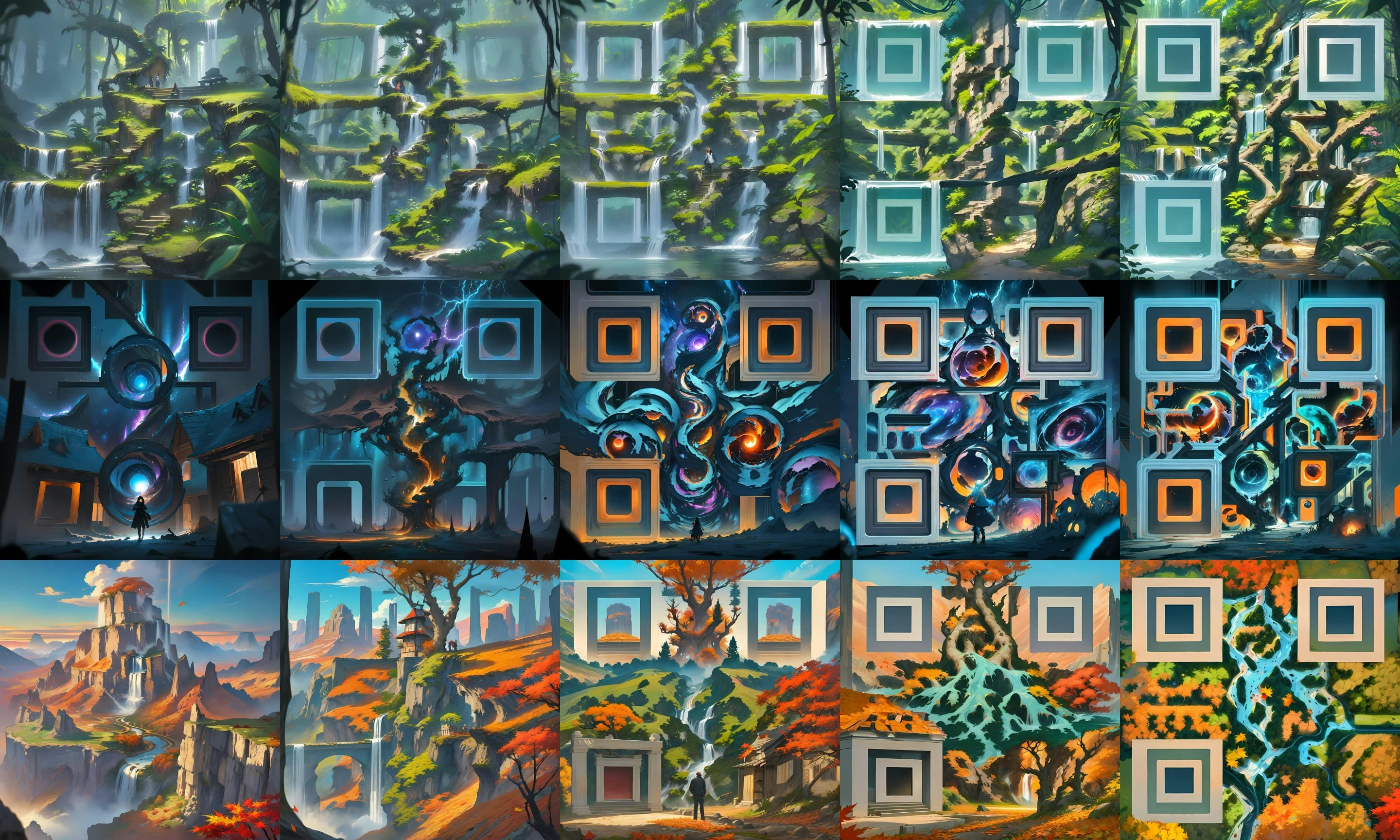
x: control strength (0.5 - 1.5) / y: seed
Prompt Tuning
Control whether or not the built-in prompt tuning should be used in command.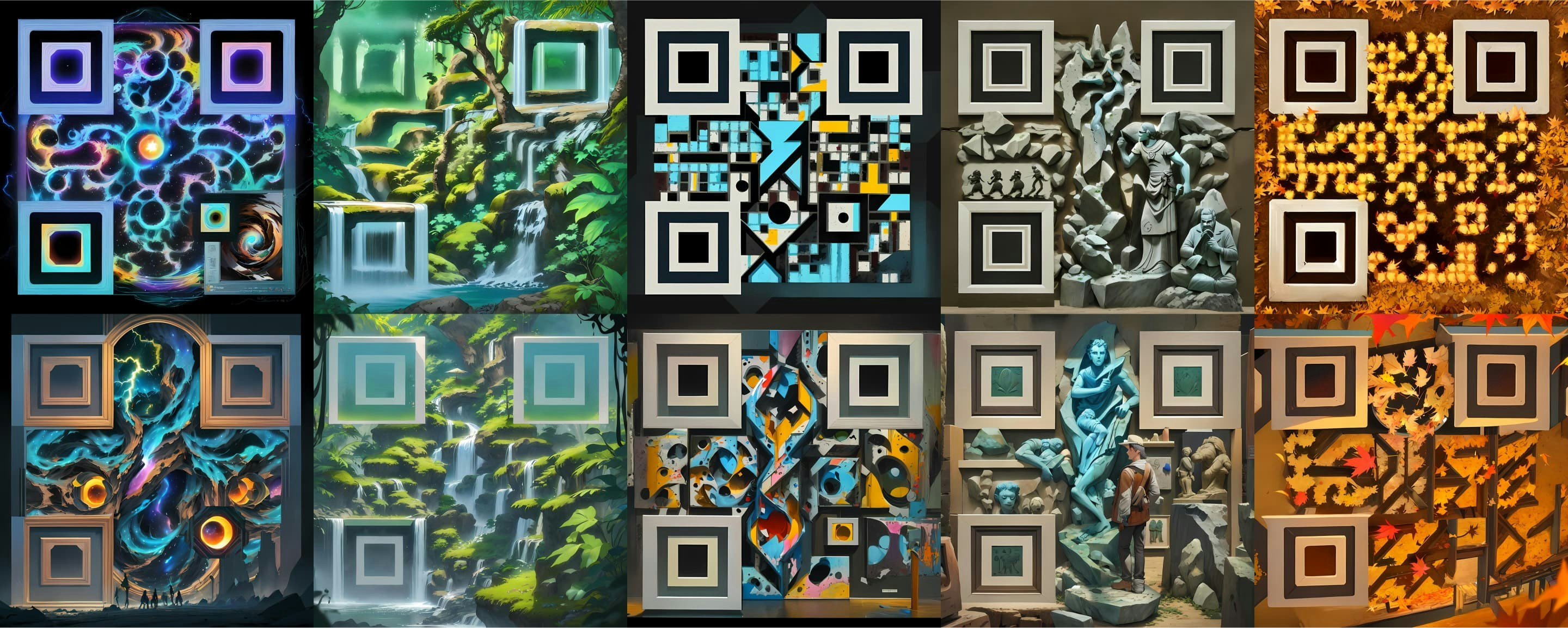
x: prompt / y: prompt tuning (false / true)
Image Restoration Rate
This parameter controls the image restoration ratio.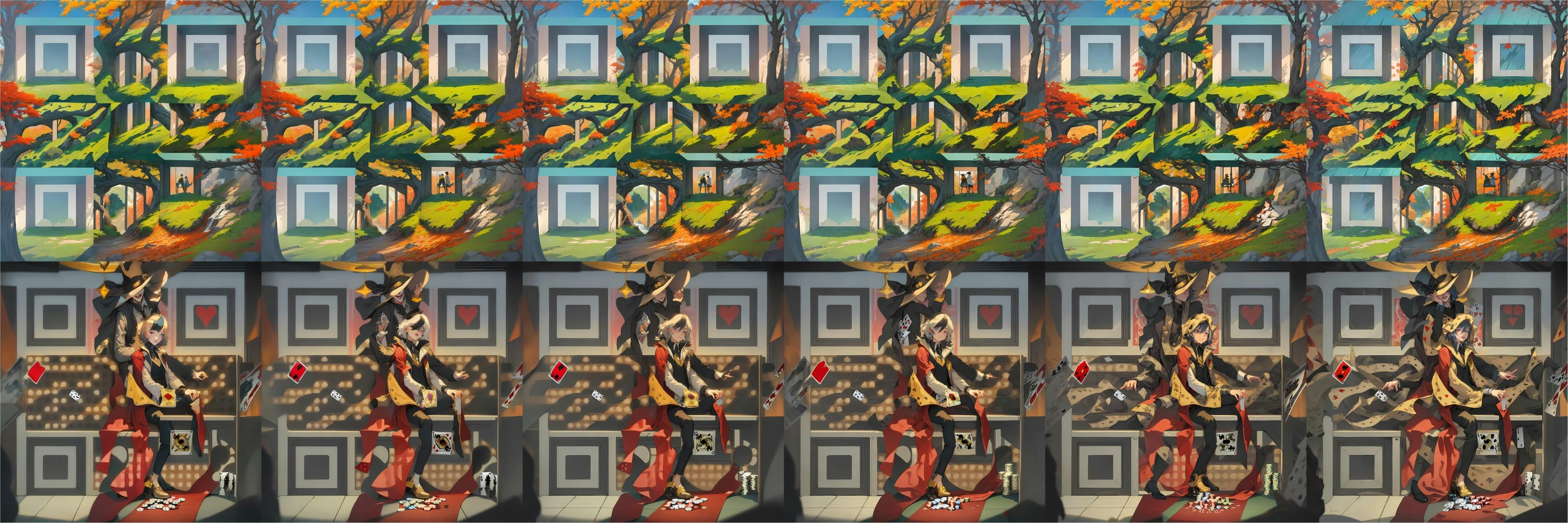
x: restoration rate (0.0 - 0.5) / y: seed
Size
Define the size of the AI image.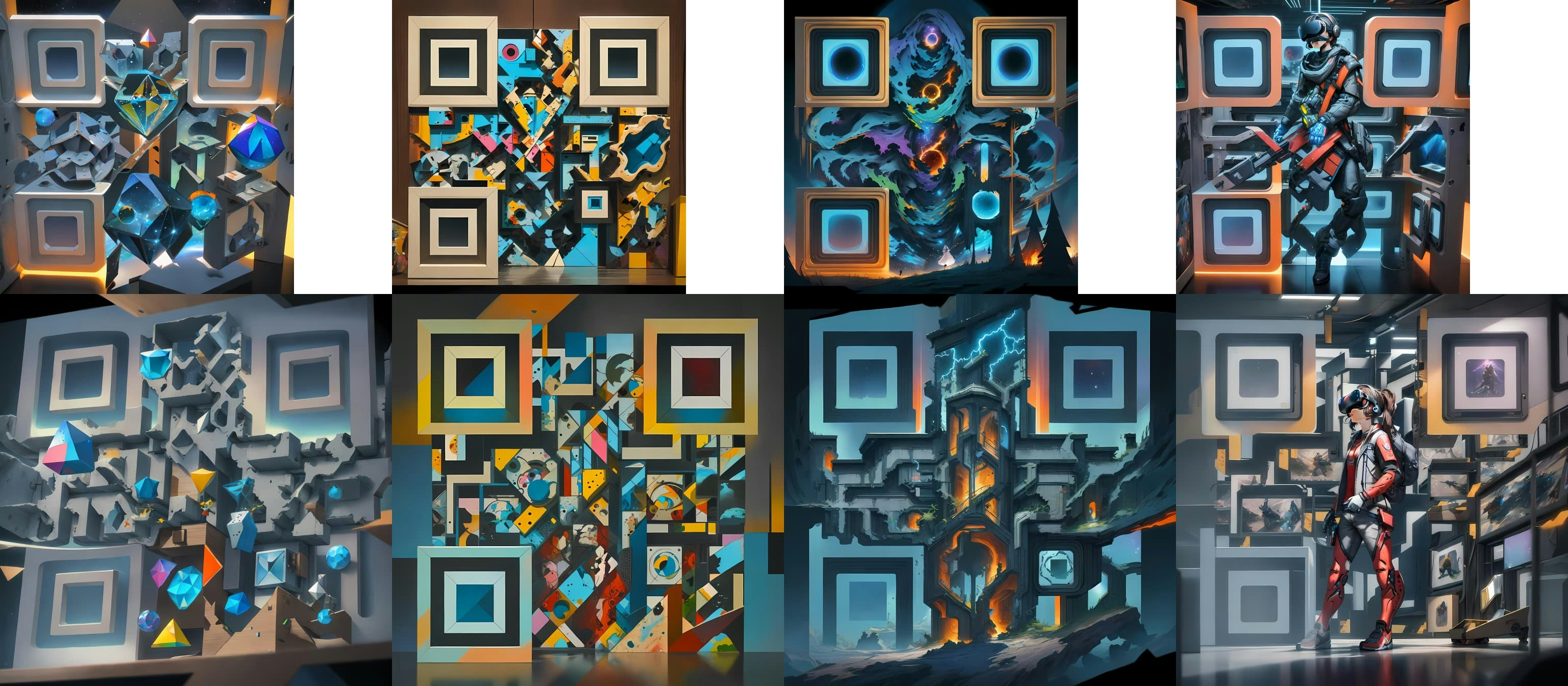
x: prompt / y: size (1152 / 1536)
Padding Ratio
This argument allows you to define the QR code padding ratio.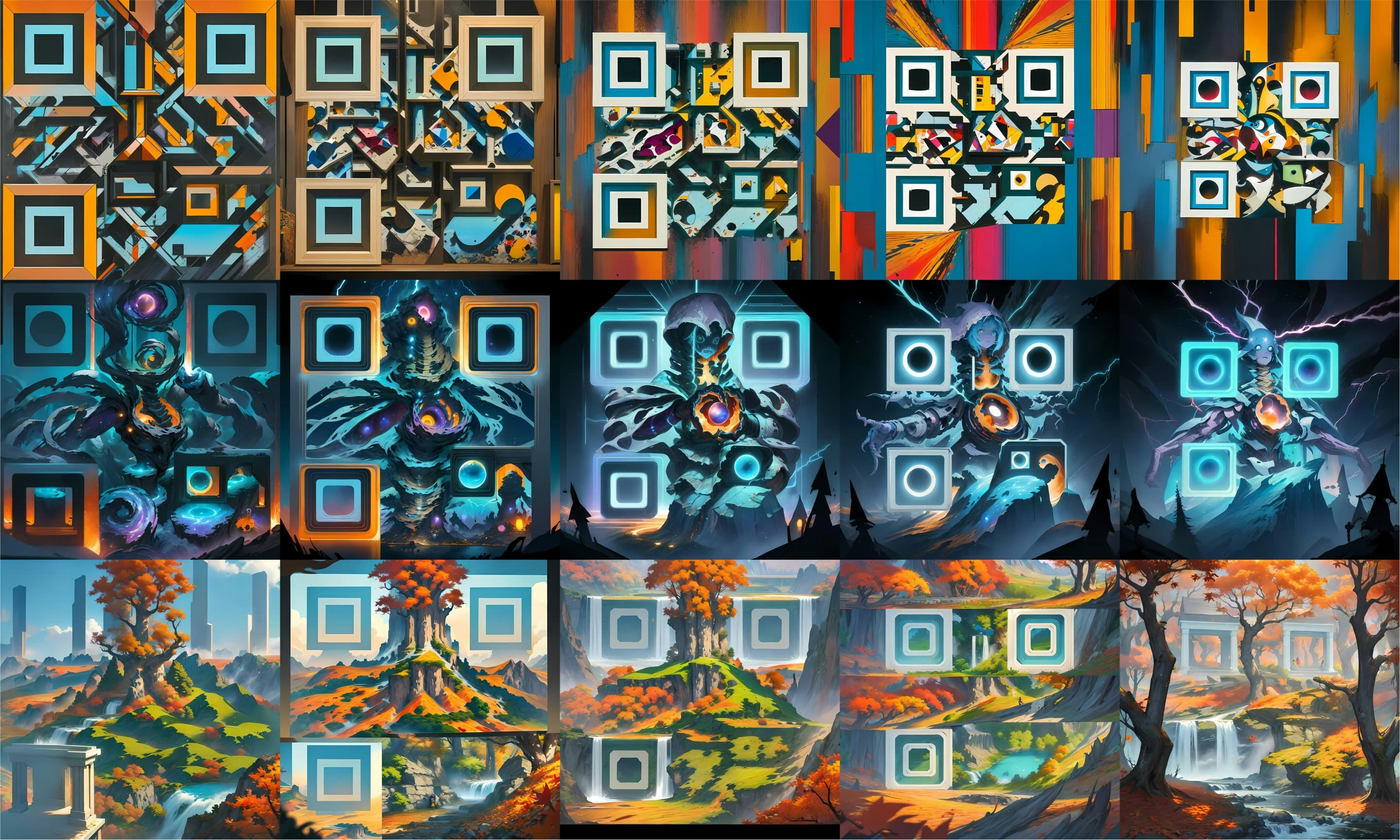
x: padding ratio (0.1 - 0.5) / y: prompt
Correct Level
Define the error correction level for the QR code.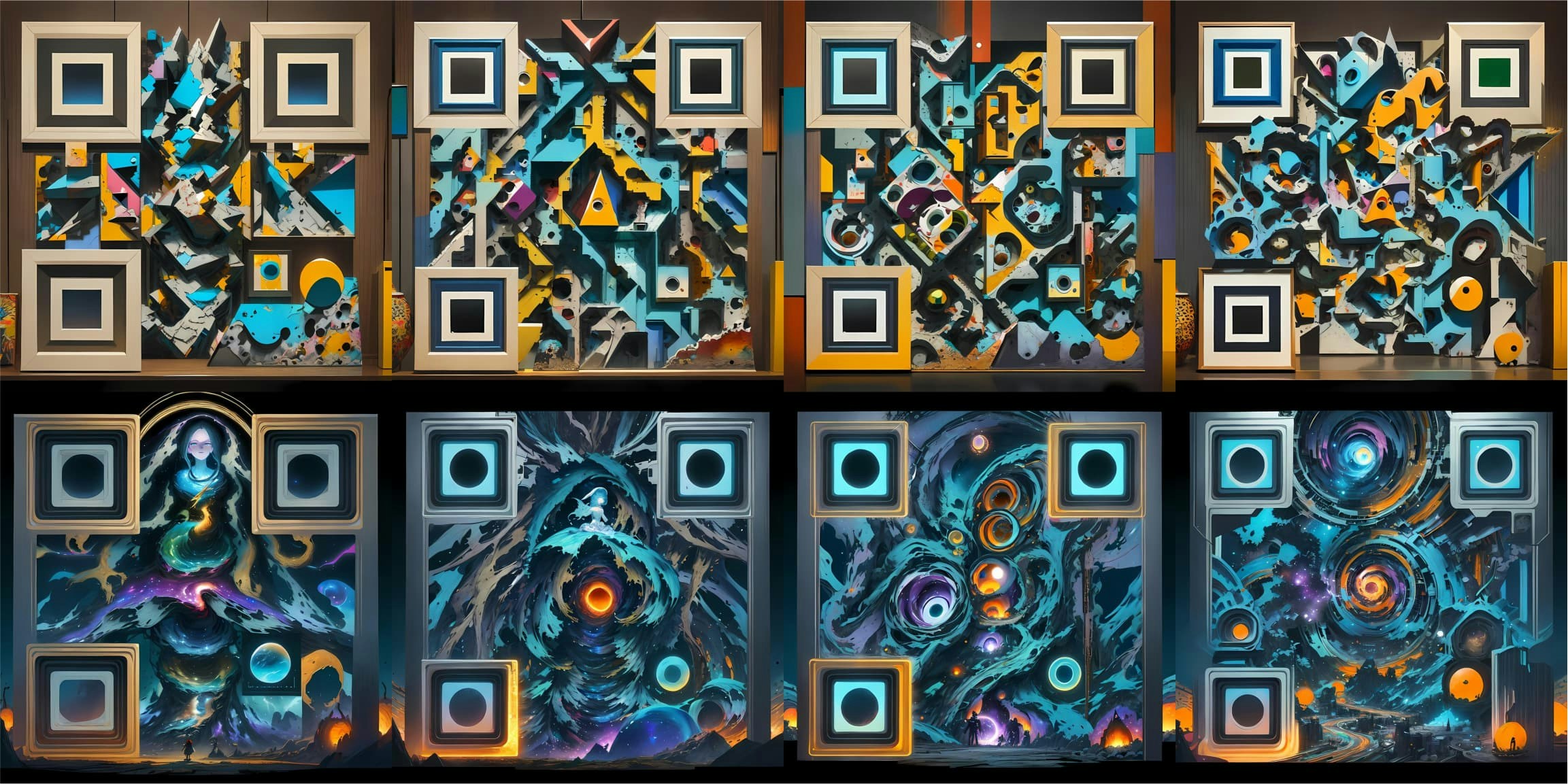
x: correct level (L / M / Q / H) / y: prompt
Anchor Style
Parameter for anchor point style.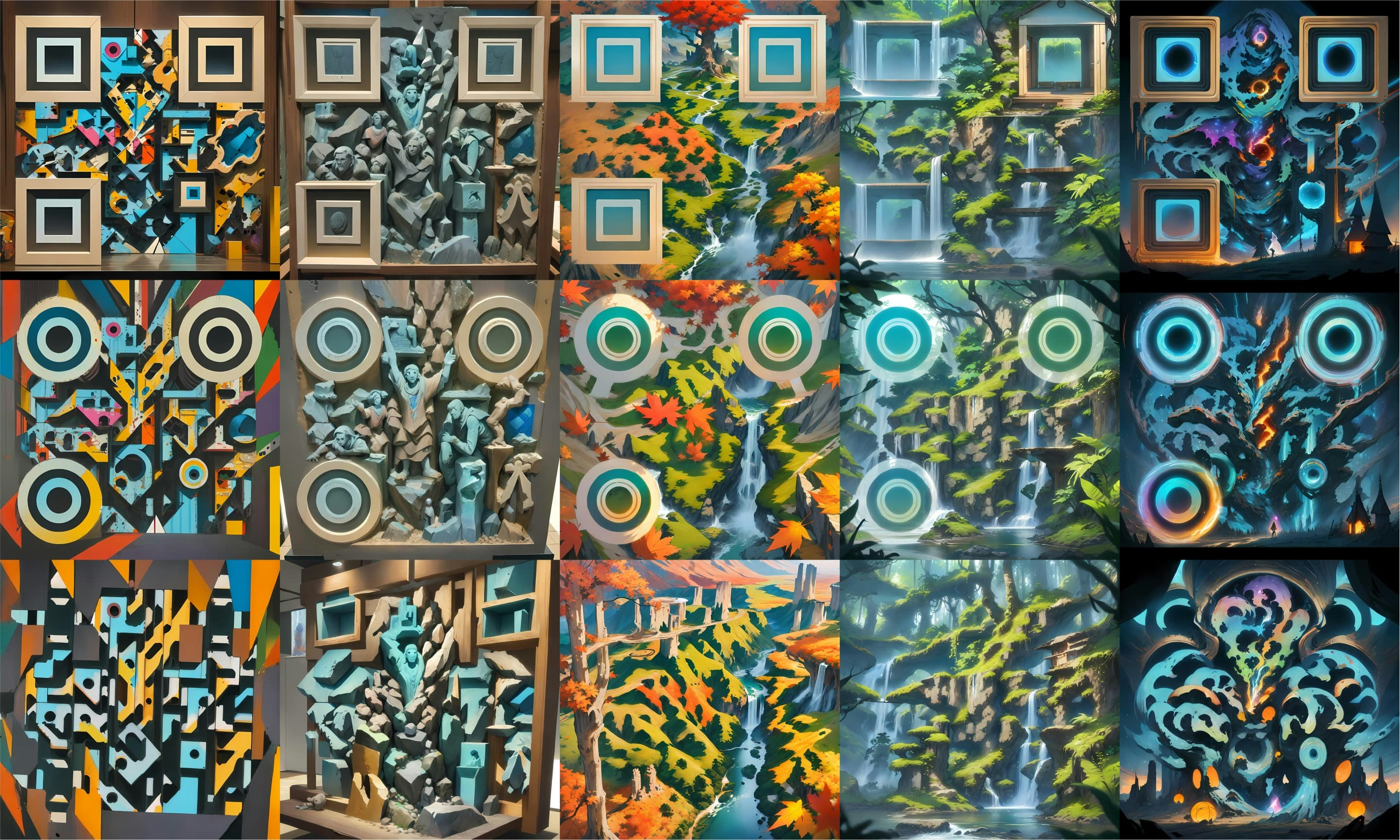
x: prompt / y: anchor style (Square / Circle / Minimal)