> ## Documentation Index
> Fetch the complete documentation index at: https://docs.qrbtf.com/llms.txt
> Use this file to discover all available pages before exploring further.
# Quickstart
> Generate AI QR codes via Web and Discord server with some simple steps
## Web
Go to [https://qrbtf.com/ai](https://qrbtf.com/ai)
### 1: Enter a URL
Enter or Scan the corresponding URL for the QR code you need to generate.
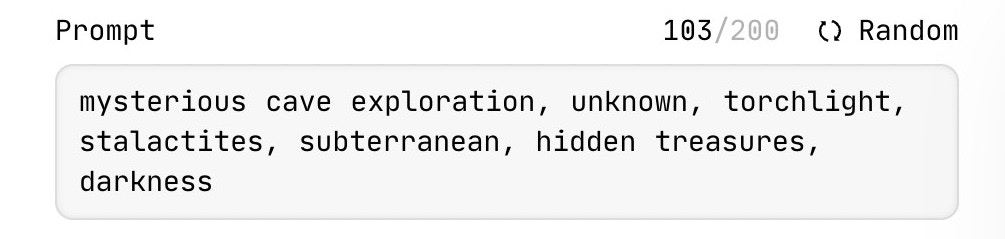
 ### 2: Enter the Prompt
Enter a description of the image you want to create in the prompt field or generate prompts randomly.
### 2: Enter the Prompt
Enter a description of the image you want to create in the prompt field or generate prompts randomly.
 ### 3: Enter the API key
Enter **qrbtf-ai** in the API key field.
### 3: Enter the API key
Enter **qrbtf-ai** in the API key field.
 ### 4: Generate an Image
TBD.
### 4: Generate an Image
TBD.