> ## Documentation Index
> Fetch the complete documentation index at: https://docs.qrbtf.com/llms.txt
> Use this file to discover all available pages before exploring further.
# Parameter List
### URL
Currently unavailable...
| Parameter Information | Value |
| --------------------- | ------ |
| Bot parameter name | N/A |
| Type | string |
### Prompt
This is what you want in the randomly generated AI image.
| Parameter Information | Value |
| --------------------- | -------- |
| Bot parameter name | `prompt` |
| Type | string\* |
### Negative Prompt
This parameter allows you to exclude elements that you do not want in your AI generated image.
| Parameter Information | Value |
| --------------------- | ------ |
| Bot parameter name | `--no` |
| Type | string |
### Seed
Seed for random generation. Default is -1, which means random.
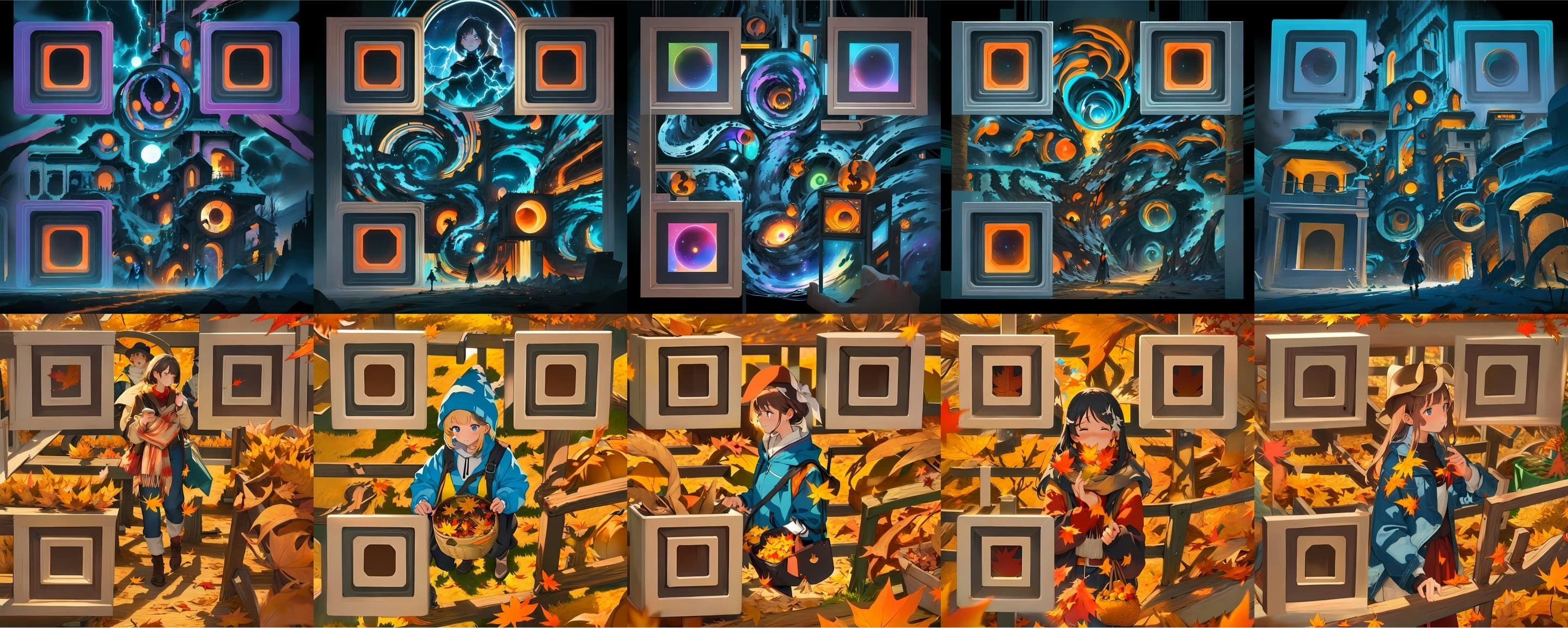 | Parameter Information | Value |
| --------------------- | ------------ |
| Bot parameter name | `--seed` |
| Type | int |
| Default value | `-1` |
| Range | `[-1, 9999]` |
### Control Strength
The power of QR code control over the generated image. Lower values make it harder to recognize, higher values result in poorer quality.
| Parameter Information | Value |
| --------------------- | ------------ |
| Bot parameter name | `--seed` |
| Type | int |
| Default value | `-1` |
| Range | `[-1, 9999]` |
### Control Strength
The power of QR code control over the generated image. Lower values make it harder to recognize, higher values result in poorer quality.
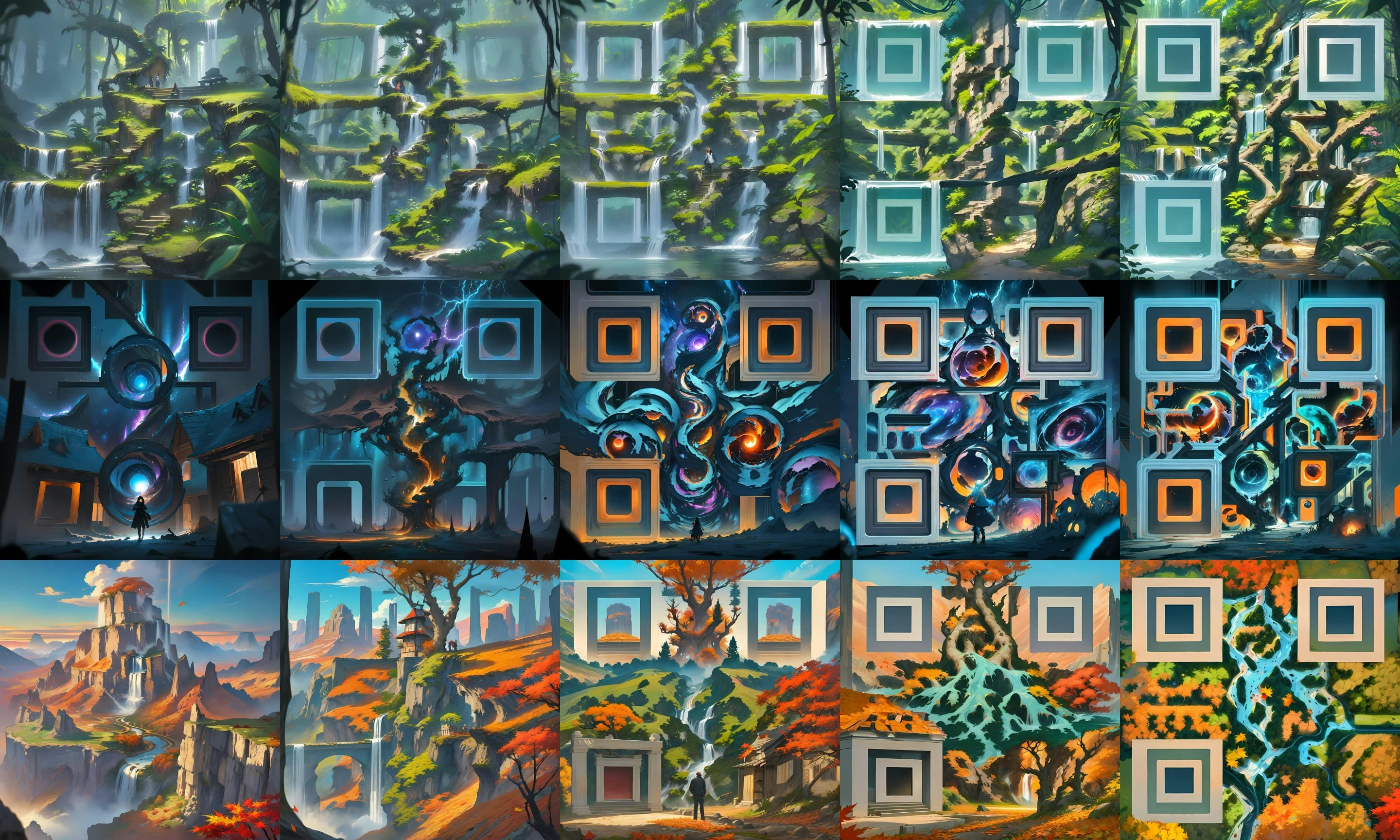 | Parameter Information | Value |
| --------------------- | ------------- |
| Bot parameter name | `--qrcontrol` |
| Type | float |
| Default value | `1.0` |
| Range | `[0.5, 1.5]` |
### Prompt Tuning
Control whether or not the built-in prompt tuning should be used in command.
| Parameter Information | Value |
| --------------------- | ------------- |
| Bot parameter name | `--qrcontrol` |
| Type | float |
| Default value | `1.0` |
| Range | `[0.5, 1.5]` |
### Prompt Tuning
Control whether or not the built-in prompt tuning should be used in command.
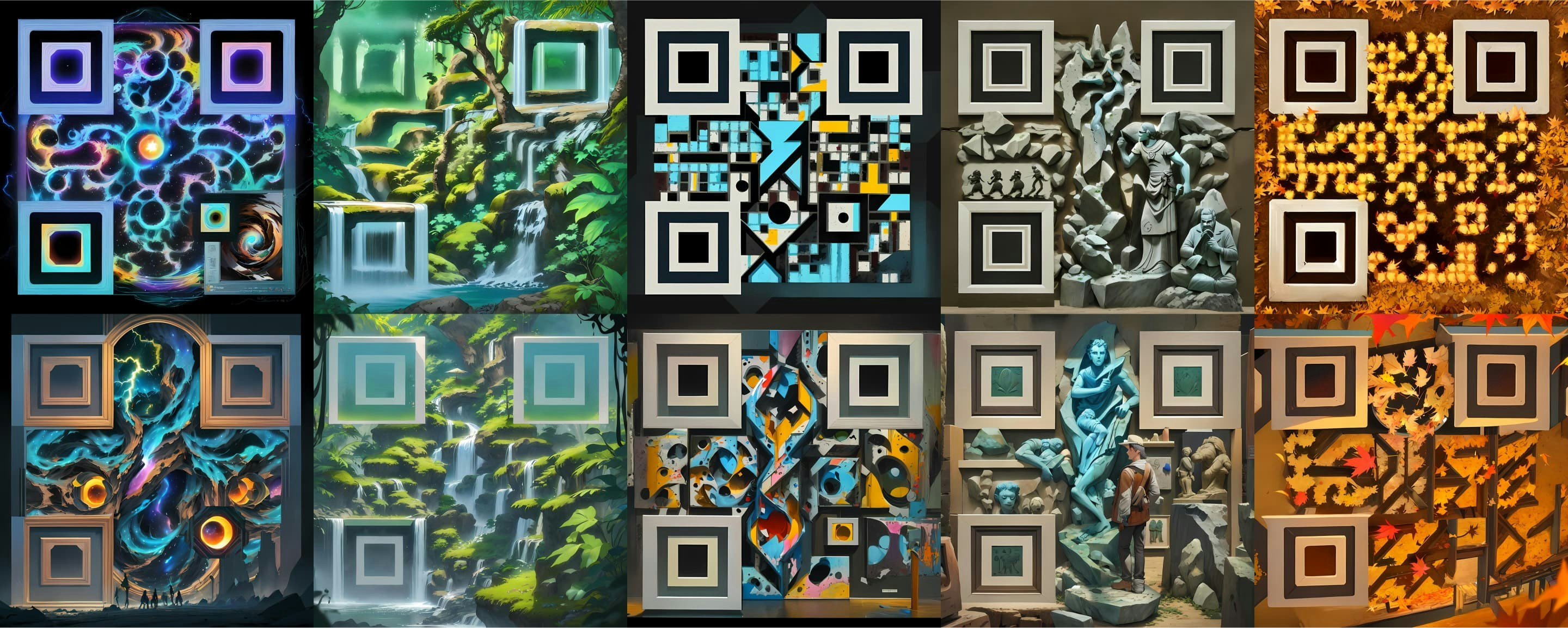 | Parameter Information | Value |
| --------------------- | ------- |
| Bot parameter name | `--rp` |
| Type | boolean |
### Image Restoration Rate
This parameter controls the image restoration ratio.
| Parameter Information | Value |
| --------------------- | ------- |
| Bot parameter name | `--rp` |
| Type | boolean |
### Image Restoration Rate
This parameter controls the image restoration ratio.
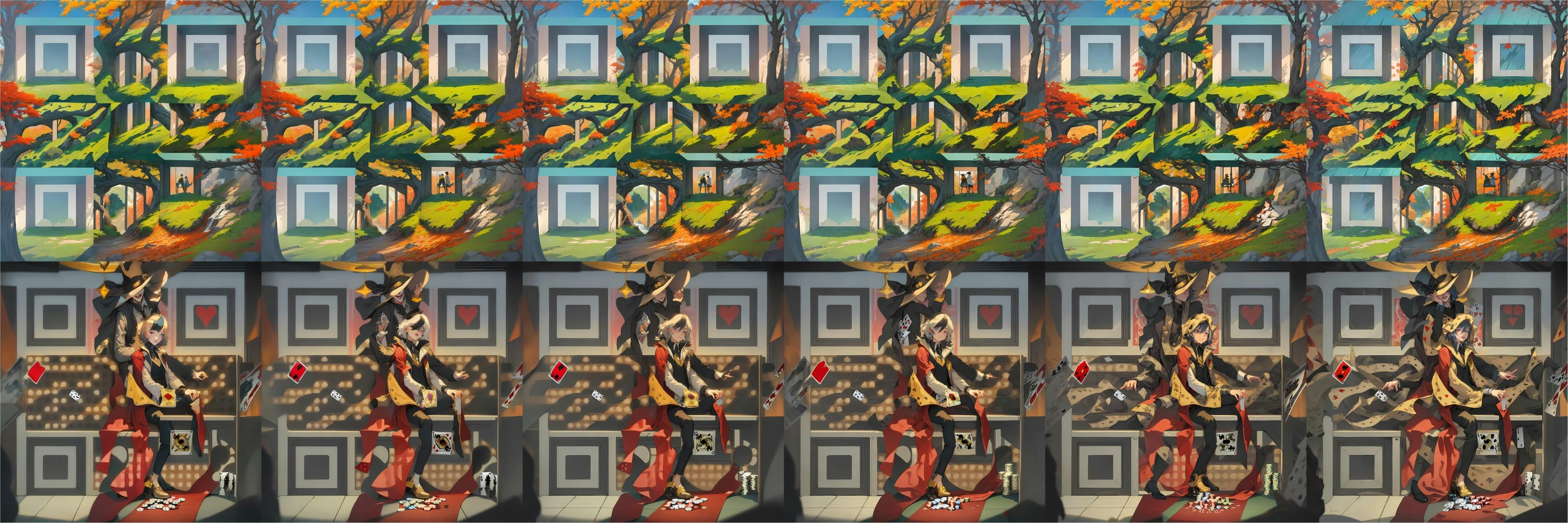 | Parameter Information | Value |
| --------------------- | ----------- |
| Bot parameter name | `--irr` |
| Type | float |
| Default value | `0.3` |
| Range | `0.1 - 0.5` |
### Size
Define the size of the AI image.
| Parameter Information | Value |
| --------------------- | ----------- |
| Bot parameter name | `--irr` |
| Type | float |
| Default value | `0.3` |
| Range | `0.1 - 0.5` |
### Size
Define the size of the AI image.
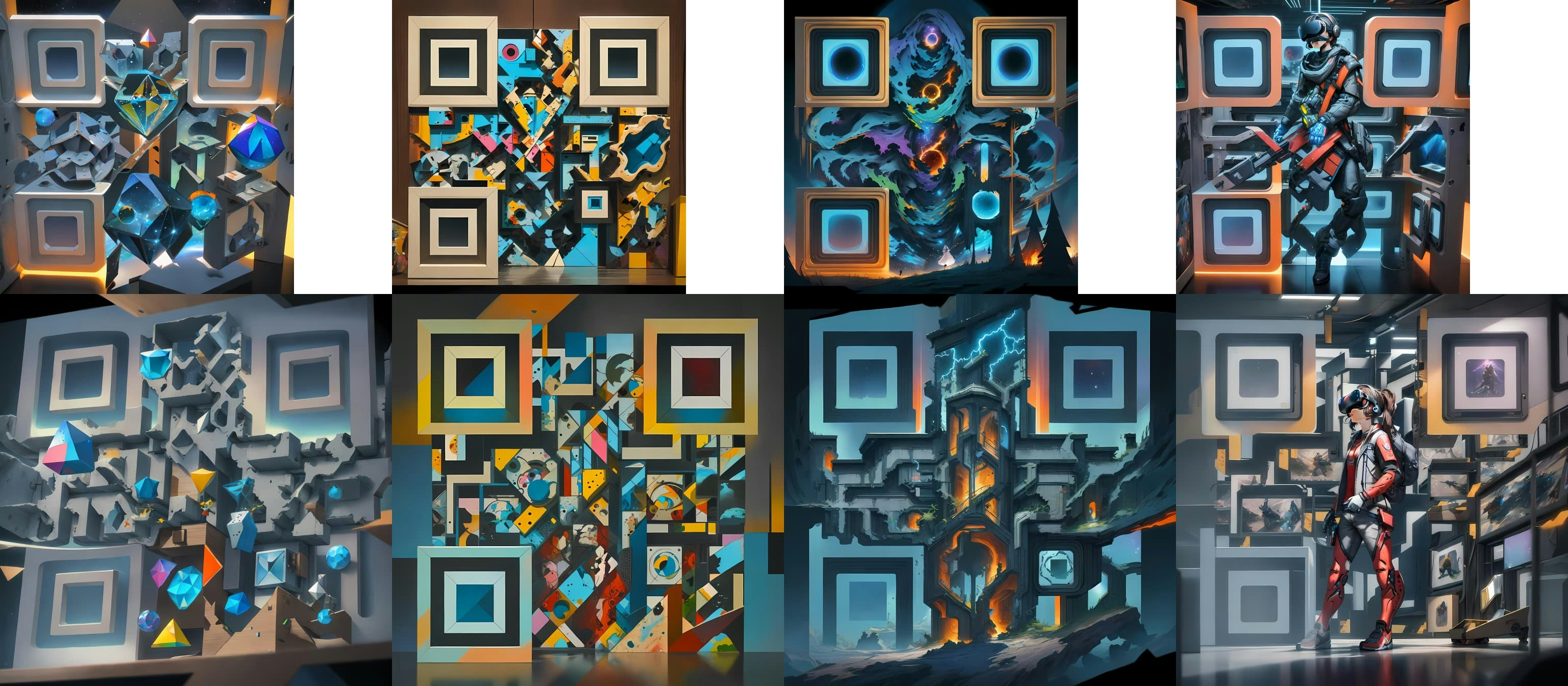 | Parameter Information | Value |
| --------------------- | -------- |
| Bot parameter name | `--size` |
| Type | string |
| Default value | `M` |
| Choice | `M / L` |
### Padding Ratio
This argument allows you to define the QR code padding ratio.
| Parameter Information | Value |
| --------------------- | -------- |
| Bot parameter name | `--size` |
| Type | string |
| Default value | `M` |
| Choice | `M / L` |
### Padding Ratio
This argument allows you to define the QR code padding ratio.
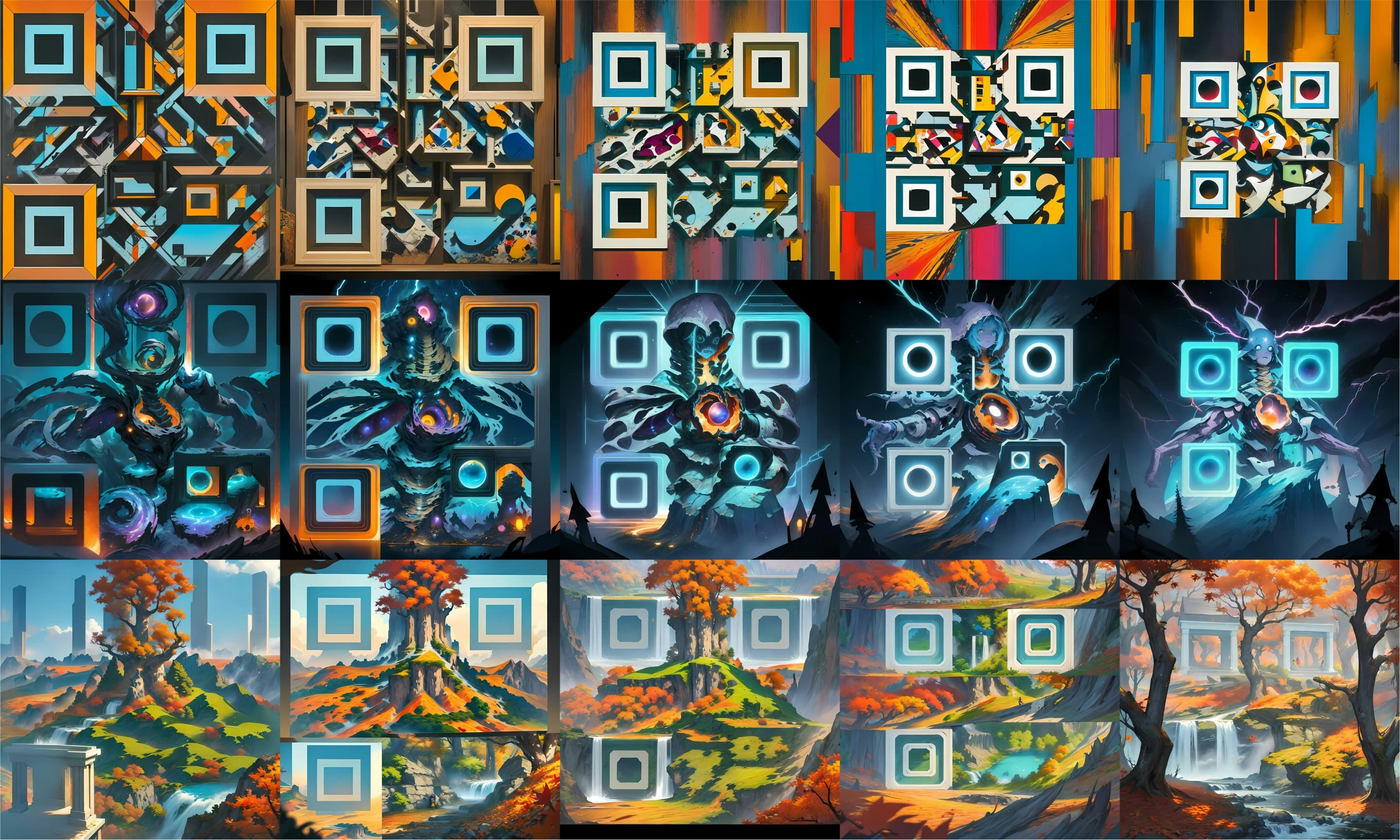 | Parameter Information | Value |
| --------------------- | ----------- |
| Bot parameter name | `--padding` |
| Type | float |
| Default value | `0.2` |
| Range | `0 - 0.5` |
### Correct Level
Define the error correction level for the QR code.
| Parameter Information | Value |
| --------------------- | ----------- |
| Bot parameter name | `--padding` |
| Type | float |
| Default value | `0.2` |
| Range | `0 - 0.5` |
### Correct Level
Define the error correction level for the QR code.
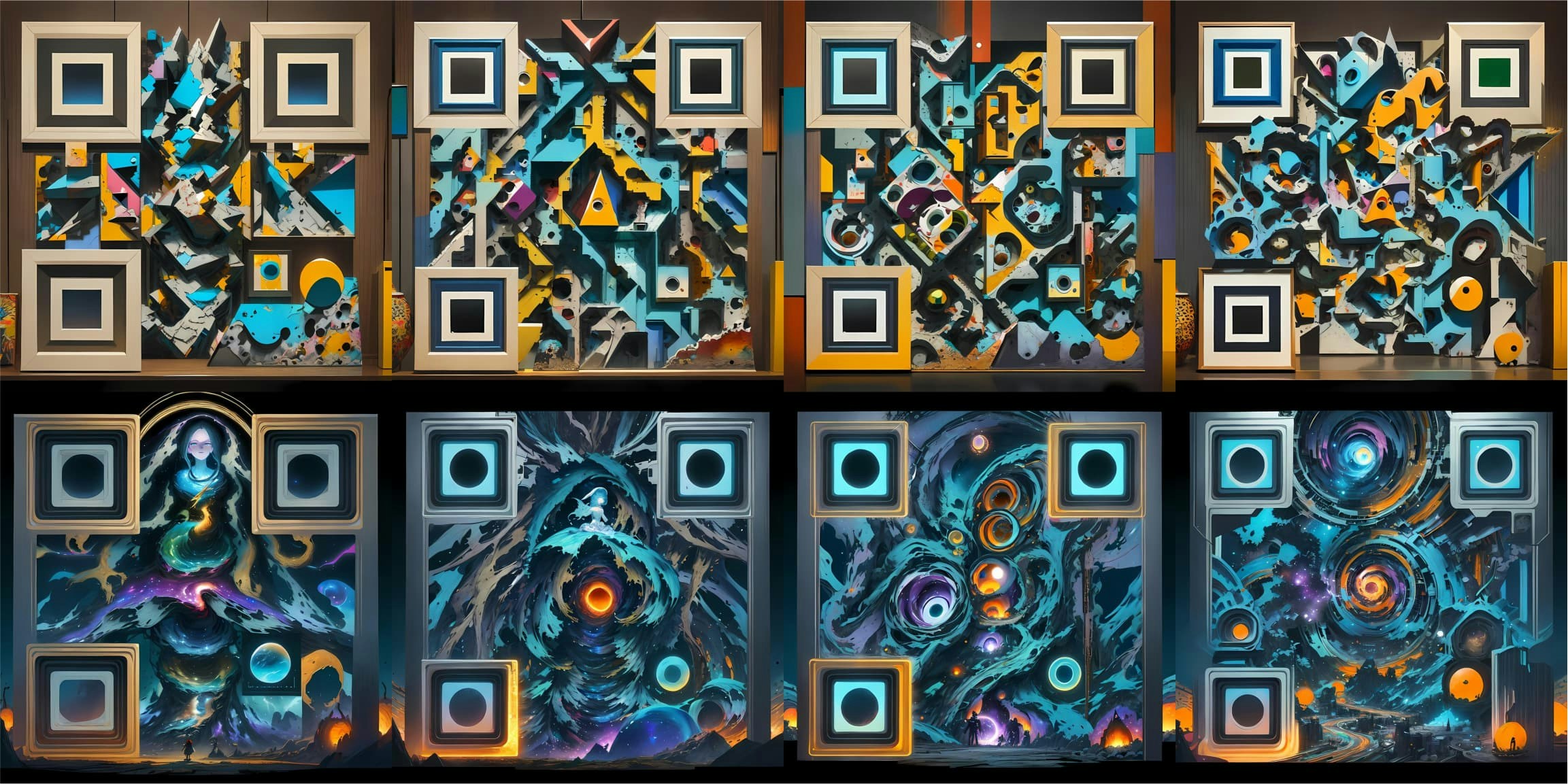 | Parameter Information | Value |
| --------------------- | --------------- |
| Bot parameter name | `--qrcorrect` |
| Type | string |
| Default value | `M` |
| Choices | `L / M / Q / H` |
### Anchor Style
Parameter for anchor point style.
| Parameter Information | Value |
| --------------------- | --------------- |
| Bot parameter name | `--qrcorrect` |
| Type | string |
| Default value | `M` |
| Choices | `L / M / Q / H` |
### Anchor Style
Parameter for anchor point style.
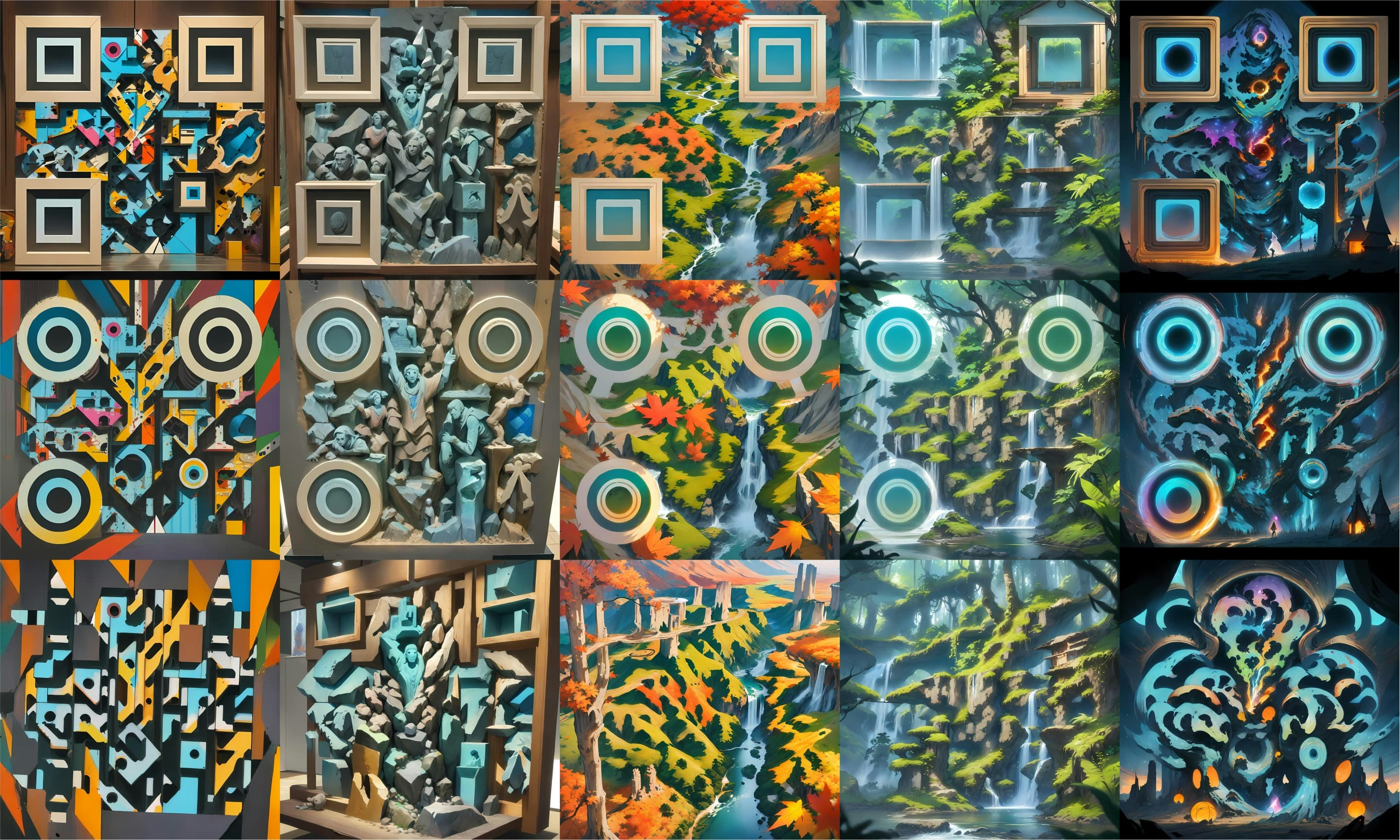 | Parameter Information | Value |
| --------------------- | --------------------------- |
| Bot parameter name | `--qranchor` |
| Type | string |
| Default value | `Square` |
| Choices | `Square / Circle / Minimal` |
| Parameter Information | Value |
| --------------------- | --------------------------- |
| Bot parameter name | `--qranchor` |
| Type | string |
| Default value | `Square` |
| Choices | `Square / Circle / Minimal` |